Share this
by Matthew Moss on Apr 17, 2026
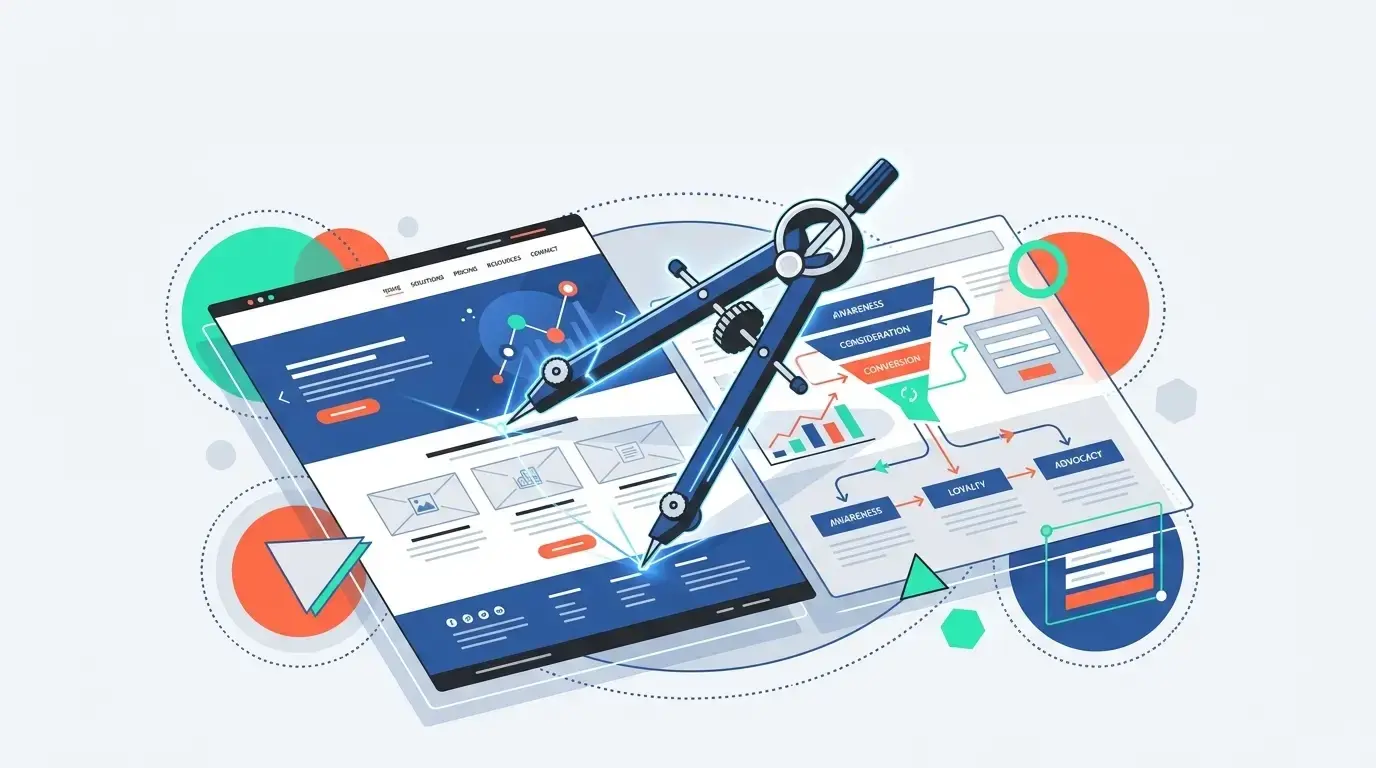
Free HubSpot themes like Atlas are great for simple sites on a budget. Paid themes like ACT3 offer advanced header layouts, diverse content modules, and granular design controls. Regardless of your choice, professional HubSpot CMS Website Development ensures your site maximizes conversions, brand differentiation, and CRM integration.
What You'll Learn
- The baseline truth: Why the underlying power of HubSpot remains exactly the same, regardless of the theme you choose.
- Module mastery: How to evaluate theme modules as the "toolbox" for your website build.
- Free vs. Paid: A direct comparison of features, including my top recommendations for both free (Atlas) and paid (ACT3) themes.
- Strategic implementation: How professional HubSpot CMS Website Development leverages your chosen theme to increase Conversion Rate Optimization (CRO), generate Sales Qualified Leads (SQLs), and lower your Cost Per Lead (CPL).
The Core Truth: You Always Get the Power of HubSpot
The most important thing to understand before comparing free and paid themes is this: regardless of your theme choice, you have all the power of HubSpot.
The theme you select does not dictate the strength of your CRM, your marketing automation, or your analytics. Theme choice is simply a matter of design. It dictates out-of-the-box header and footer options, mobile menus, blog layouts, and the number of modules available to configure your pages.
The Theme "Toolbox": Understanding Modules
Think of theme modules as your website's toolbox. They are the individual tools you use to build your site page by page.
When it comes to content, every theme offers the basics: text, images, and buttons. Paid themes often boast a massive number of modules, but more doesn't always mean better. When evaluating a theme, look for modules that offer unique, visually appealing ways to display content—such as flip-cards, feature grids, and engaging icon/image layouts.
.webp?width=1376&height=768&name=superhero-lightning-webpage-power-20260417-131950).webp)
HubSpot CMS: Free Theme vs. Paid Theme
The Case for a Free Theme (And How to Hack It)
There are some incredibly robust free themes out there. While most are limited regarding header styles, footer options, and fine-tuning module settings, they are perfect for businesses on strict budgets.
My absolute favorite free theme is Atlas.
- The Atlas Advantage: Its rich text module is highly versatile, featuring a preheader, a standard text box, and the crucial ability to append buttons directly to the bottom of the content. They also provide excellent card module options.
- The Developer Hack: If you are comfortable with code, you can truly make Atlas shine. By creating a child theme, you can copy any intended module and add a custom CSS class field to the wrapper. This simple customization fixes the theme's biggest out-of-the-box limitations.
The Case for a Paid Theme (The Power of Granular Control)
For businesses focused heavily on brand differentiation and landing page conversions, a paid theme is usually the better investment, as they offer a higher degree of customization. My personal favorite paid theme is ACT3, though themes like Power are also excellent.
Here is why paid themes often justify their cost:
- More Default Templates: Paid themes come pre-loaded with a wider variety of page templates, especially conversion-focused landing pages and intricate blog listing layouts.
- Advanced Header & Footer Styles: You get vastly more options for your global navigation.
- Consistent Module Settings: This is the major differentiator. Paid themes like ACT3 offer unified settings across all modules. This includes toggles for light/dark mode text, precise text and block alignment, and built-in padding and margin controls (which are incredibly important for clean UI design).
- Developer-Friendly Elements: Paid themes almost always include custom ID or Class fields natively, allowing developers to target different instances of the exact same module and style them uniquely.
How to Choose the Right Theme Without a Developer
If you don't have a developer and need to work within the strict bounds of a theme right out of the box, your selection process should be highly visual.
Review the theme demos meticulously. Look closely at their header options and blog layouts. Ask yourself: Can I easily picture my specific content and brand colors living inside this demo? If the demo's structural foundation doesn't match your vision, move on to the next one.
Maximizing Your Theme with HubSpot CMS Website Development
Whether you choose a free theme like Atlas or invest in a premium theme like ACT3, a theme is ultimately just a foundation. To transform that foundation into a high-performing digital asset, businesses turn to comprehensive HubSpot CMS Website Development.
Partnering with an experienced team (like ours at Modgility) to handle your HubSpot CMS Website Development provides strategic benefits that go far beyond basic aesthetics:
- Increase Website Conversion Rates: Professional HubSpot CMS Website Development utilizes User Experience (UX) principles to structure your theme’s modules logically. By optimizing calls-to-action and navigation, we guide visitors seamlessly toward desired actions, turning standard templates into conversion engines that achieve conversion rates well above the industry average.
- Lower Cost per Lead (CPL): By integrating growth-driven design practices, expert HubSpot CMS Website Development ensures your website is flawlessly connected to your marketing automation tools, capturing and nurturing leads more efficiently to drive down acquisition costs.
- Generate More Sales Qualified Leads (SQLs): Through targeted HubSpot CMS Website Development, we customize your chosen theme to attract your ideal customer profile. We build custom functionalities and map out buyer journeys that basic out-of-the-box theme configurations simply cannot achieve alone.
- Future-Proof Maintenance and Support: Ongoing HubSpot CMS Website Development ensures your site remains secure, fast, and fully optimized for mobile responsiveness and core web vitals as search engine algorithms evolve.
The Bottom Line
It is entirely worth it to pay for ACT3, Power, or another premium theme if you fall in love with their demo layouts—particularly their headers, footers, and landing pages. However, if you’re on a budget, you can build a perfectly awesome website with Atlas.
At Modgility, our HubSpot CMS Website Development services are tailored to your specific needs. We work expertly with both free and paid themes, utilizing our developer capabilities to customize modules and ensure your website ultimately drives measurable business growth.
Frequently Asked Questions
Does choosing a free HubSpot theme limit the power of my CRM or marketing tools?
No, regardless of your theme choice, you retain all the underlying power of HubSpot. The theme only dictates design elements out-of-the-box, such as header and footer options, mobile menus, blog layouts, and the number of modules available, not the strength of your CRM or marketing automation.
What are the main advantages of choosing a paid HubSpot theme over a free one?
Paid themes like ACT3 offer a higher degree of customization and granular control. They provide more default templates (like conversion-focused landing pages), advanced header and footer styles, developer-friendly native custom ID or Class fields, and consistent module settings with built-in padding and margin controls.
What is the best free HubSpot theme for a business on a budget?
Atlas is highly recommended as a free theme. It offers a highly versatile rich text module featuring a preheader, standard text box, and the ability to append buttons directly to the bottom of the content, along with excellent card module options.
How does professional HubSpot CMS Website Development maximize my chosen theme?
Professional development transforms a basic theme into a high-performing digital asset by structuring modules logically to increase website conversion rates (CRO), integrating growth-driven design practices to lower Cost per Lead (CPL), and building custom functionalities to generate more Sales Qualified Leads (SQLs).
No Comments Yet
Let us know what you think