
Share this
by Keith Gutierrez on Apr 10, 2026
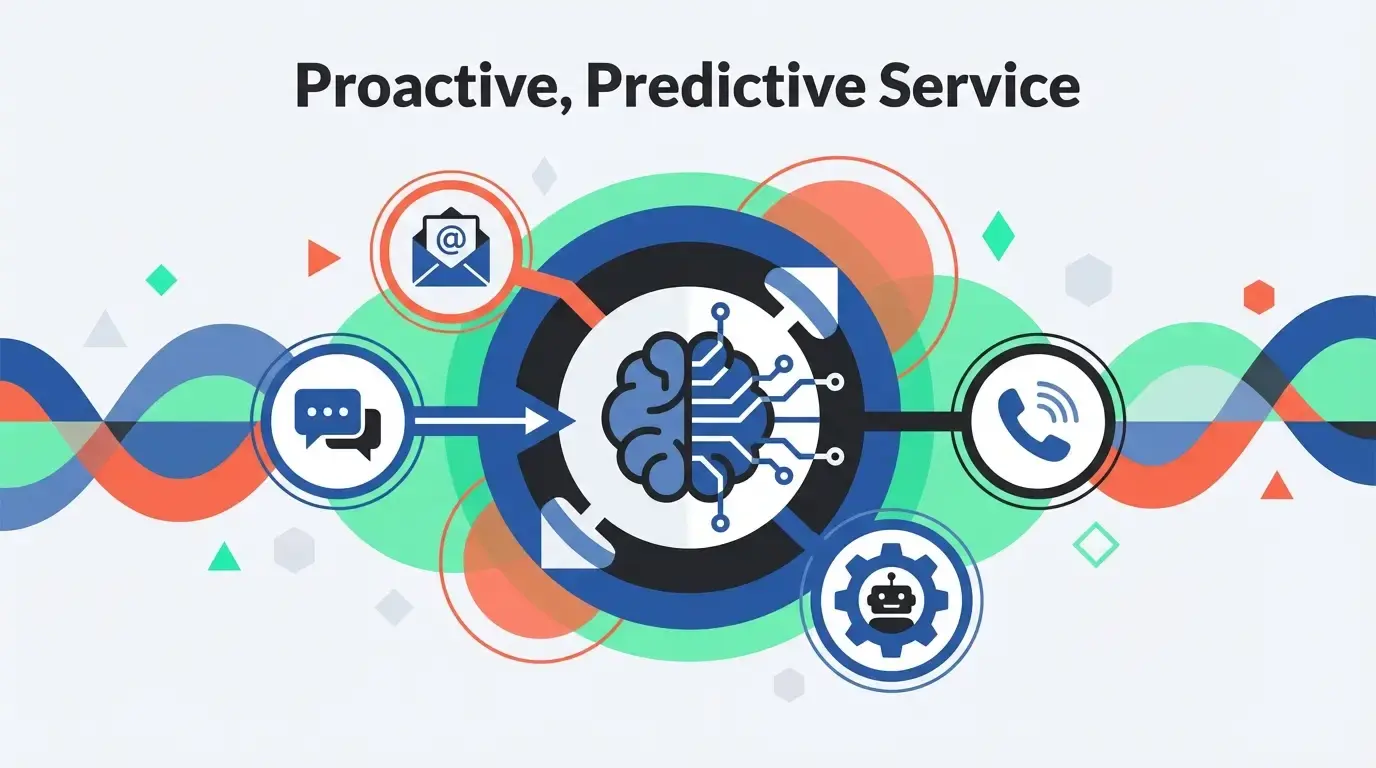
In 2026, HubSpot Service Hub introduces advanced AI for proactive service, deeper system integrations, and predictive analytics to revolutionize the customer experience. These updates are designed to help your team move from a reactive support model to a proactive, predictive, and personalized service engine.
What You'll Learn
- A detailed breakdown of the key new features in HubSpot Service Hub for 2026.
- How advanced AI is making customer service more proactive and efficient.
- The critical role of deep integrations for achieving a 360-degree customer view.
- Why a professional implementation is essential to unlocking the full power of these new tools.
The Core Themes of Service Hub 2026: AI, Integration, and Analytics
.webp?width=768&height=1596&name=service-hub-2026-core-themes-20260410-110750).webp)
The 2026 updates to HubSpot Service Hub are built on three foundational pillars: predictive artificial intelligence, seamless data integration, and actionable analytics. Together, they empower service teams to not only solve customer problems faster but to anticipate them before they even arise. However, harnessing this power requires a perfectly configured platform, which is where a strategic HubSpot Implementation becomes crucial.
Advanced AI for Proactive Customer Service
Artificial intelligence is no longer just about chatbots. In 2026, Service Hub embeds AI deeply into the platform to empower agents and automate proactive outreach.
.webp?width=768&height=1376&name=technical-process-flow-diagram-20260410-110656).webp)
Proactive Issue Resolution Engine
This new AI-powered engine analyzes customer data across the entire HubSpot platform—including CRM activity, product usage metrics, and past support tickets—to predict potential issues. For example, it can identify a user struggling with a specific feature and automatically trigger a workflow to send them a helpful knowledge base article or create a low-priority ticket for an agent to follow up.
- Benefit: This dramatically reduces incoming ticket volume and improves customer satisfaction by solving problems before the customer has to ask for help.
- How to Leverage It: This predictive capability is only as good as the data it's fed. A professional HubSpot Implementation is essential for migrating clean data and integrating external systems (like your product analytics or ERP). This ensures the AI has a complete, accurate picture to make its predictions.
AI-Powered Agent Assist
Agent Assist provides real-time support to your service team directly within the ticket interface. It instantly summarizes long conversation histories, suggests relevant knowledge base articles, and drafts empathetic, on-brand replies. This allows agents to resolve complex issues faster and with greater consistency.
- Benefit: Reduces agent response times, minimizes manual research, and helps new team members get up to speed quickly.
- How to Leverage It: Effective use of this tool depends on team adoption. A proper HubSpot Implementation includes comprehensive training and enablement to ensure your team trusts and utilizes these AI features to their full potential, maximizing your platform's ROI.
.webp?width=1376&height=768&name=customer-support-agents-laptop-office-20260410-094313).webp)
Seamless, Deeper Integration Capabilities
Siloed data is the biggest obstacle to excellent customer service. The 2026 Service Hub updates focus on breaking down these silos with unprecedented integration capabilities.
Unified Data Fabric with Custom ERP Sync
Service Hub now offers a "data fabric" that enables a live, two-way sync with core business systems, including legacy ERPs and custom e-commerce platforms. This gives your service agents a true 360-degree view of every customer—including order history, shipping status, and billing information—all without leaving the ticket view.
- Benefit: Eliminates the need for agents to toggle between multiple systems, resulting in significantly faster resolution times and a more seamless customer experience.
- How to Leverage It: Integrating complex or legacy systems requires technical expertise. An advanced HubSpot Implementation is designed for exactly this. It involves a thorough assessment of your technical requirements to build custom, seamless integrations that connect HubSpot with your existing systems for a streamlined workflow.
Enhanced, Predictive Analytics and Reporting
Data-driven decisions are key to scaling service operations. Service Hub’s 2026 analytics tools move beyond simple metrics to provide predictive insights that can shape your entire customer retention strategy.
Customer Health & Churn Prediction Dashboards
New, out-of-the-box dashboards use machine learning to generate a real-time "Customer Health Score" for every account. By analyzing service interactions, survey feedback (NPS/CSAT), and product engagement, the system automatically flags customers who are at risk of churning, allowing your team to intervene proactively.
- Benefit: This powerful tool helps you move from tracking churn to actively preventing it, protecting your revenue and identifying opportunities to delight at-risk customers.
- How to Leverage It: To get accurate health scores, your reporting dashboards must be configured to track the right KPIs for your business. The "Assessment & Planning" phase of a HubSpot Implementation helps you define these critical metrics and builds dashboards that provide clear, actionable insights.
Root Cause Analysis Automation
This feature uses AI to automatically analyze trends in ticket data, pinpointing the root cause of recurring customer issues. It can identify if a recent software update, a specific product feature, or a third-party shipping delay is causing a spike in support requests, allowing you to fix the core problem.
- Benefit: Frees your team from manually sifting through data and helps you make permanent fixes that reduce future ticket volume.
- How to Leverage It: This automation relies on clean, structured data. A foundational HubSpot Implementation ensures your ticketing pipelines, contact properties, and workflows are configured correctly from day one, preventing the "inconsistent data" issues that can render AI analysis useless.
Why Expert Implementation is Key to Success in 2026
The latest features in HubSpot Service Hub offer incredible power, but they are not "plug-and-play." To truly capitalize on these advancements, a strategic and technically sound setup is non-negotiable.
Without a professional implementation, businesses often face:
- Inaccurate AI predictions due to messy or incomplete data migration.
- Siloed teams because of failed or poorly built system integrations.
- Low user adoption from a lack of proper team training on new features.
- Misleading reports that are not aligned with meaningful business goals.
To fully leverage the power of HubSpot Service Hub in 2026, a strategic setup is the first and most important step. Explore how a tailored HubSpot Implementation can ensure you get the maximum ROI from these groundbreaking features and achieve your customer service goals faster.
Frequently Asked Questions
What are the main new features in HubSpot Service Hub for 2026?
The key new features are built on three pillars: advanced AI for proactive service, deeper system integrations for a unified customer view, and predictive analytics that include customer health scoring and automated root cause analysis.
How does the new AI help customer service teams?
The AI assists teams in two primary ways. First, a Proactive Issue Resolution Engine analyzes data to predict and solve customer problems before they have to ask for help. Second, an AI-Powered Agent Assist provides real-time support within the ticket interface, summarizing conversations and suggesting replies to speed up resolution times.
What problem do the new integration capabilities solve?
The new integration capabilities are designed to solve the problem of siloed data. By enabling a live, two-way sync with core business systems like ERPs, they give service agents a true 360-degree view of the customer, including order history and billing information, directly within HubSpot.
Why is a professional HubSpot implementation crucial for these new features?
A professional implementation is essential because the advanced features rely on clean, well-structured data. Without it, businesses risk inaccurate AI predictions, failed integrations, low user adoption due to lack of training, and misleading reports, which prevents them from achieving the maximum ROI from the platform.
No Comments Yet
Let us know what you think