
Share this
by Maddy Mutch on May 1, 2026
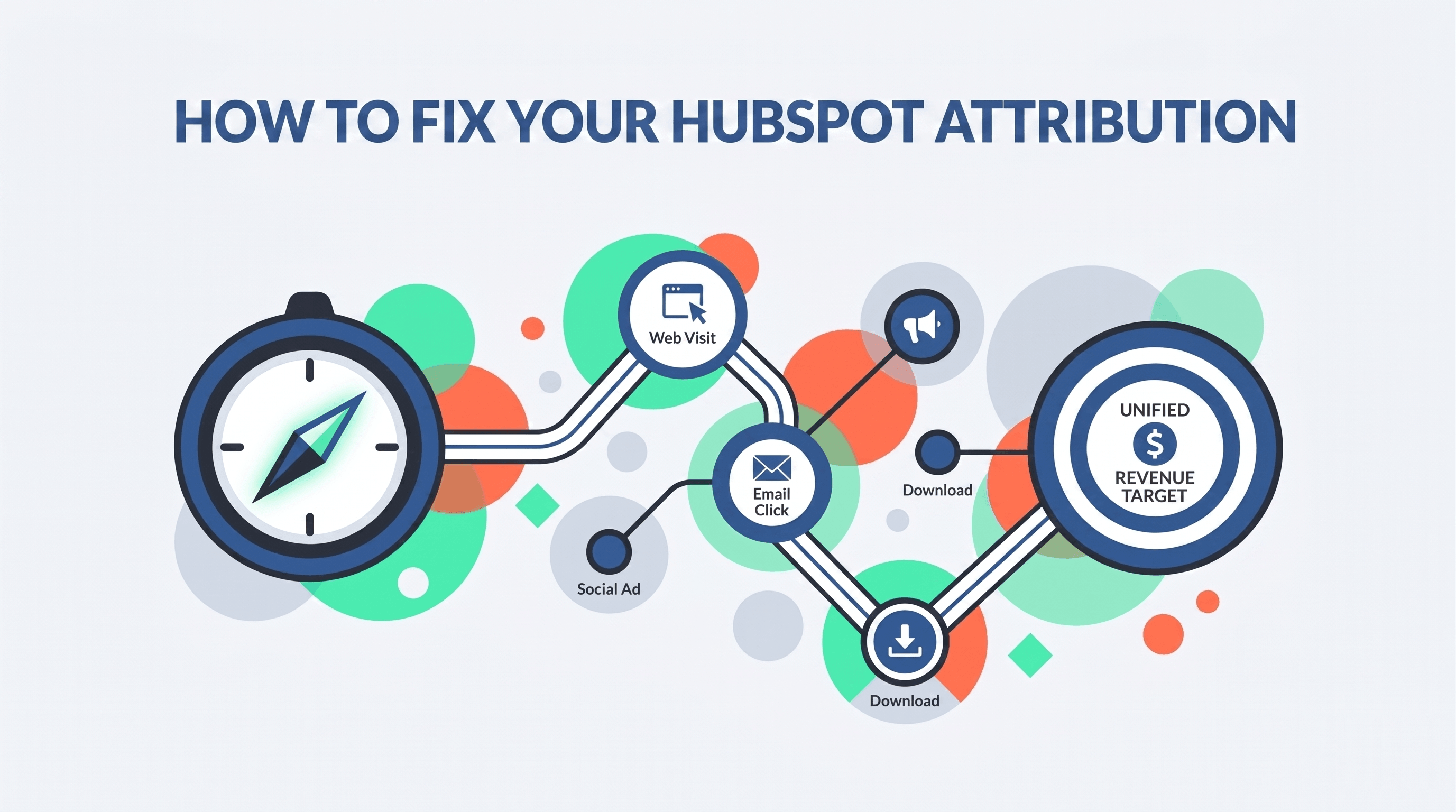
You’ve been there. It’s Monday morning, you’re looking at your HubSpot dashboard, and it’s telling you that a $50,000 deal came from "Direct Traffic."
Your gut tells you that’s wrong. You know that customer saw your LinkedIn ads. You know they downloaded your whitepaper. You know they watched your videos. But according to your data, they just... showed up and bought.
This is the Great Attribution Lie. When your HubSpot data architecture is messy, your marketing looks like it’s doing nothing, and your sales team looks like they’re doing everything manually. The result? Marketing budgets get cut because you can't prove ROI, and leadership loses trust in the CRM.
To get to the truth, you have to stop "reporting" and start "architecting."
Here's how:
.webp?width=1376&height=768&name=technical-process-flow-diagram-utm-20260501-123832).webp)
1. Stop the "UTM Wild West"
Most companies have a "UTM problem," but they call it a "reporting problem." If one person tags a source as "Linkedin," another as "linkedin.com," and another as "LI," HubSpot sees three different worlds. Your data is fragmented before it even hits the CRM.
- The Fix: You need a naming convention mandate. If it’s not tagged according to the sheet, it doesn’t launch.
- The Strategy: Use HubSpot Campaigns to bucket these assets. This allows you to see the aggregate impact of an entire initiative—emails, social, and ads—in one view.
2. The "Missing Link" Between Contacts and Deals
HubSpot cannot attribute revenue to a contact it doesn't know is part of a deal. If your sales team is creating deals manually but forgetting to add Contact Associations, your marketing attribution is dead on arrival.
- Master Your Lifecycle Stages: Don’t let "MQL" be a subjective term. Automate transitions so that a lead only moves forward when they meet specific criteria, like a Lead Score of 100.
- Automate the Hand-off: Use workflows to ensure that when an SQL is qualified, a Deal object is created and linked automatically. This removes the human error that leads to data silos.
3. Pick a Model That Matches Your "Real Life"
We see too many companies using "Last Interaction" attribution for a B2B sales cycle that takes six months. That’s like giving the kicker 100% of the credit for a football game because they scored the last 3 points.
- Short Sales Cycles: First-touch or Last-touch works.
- Long B2B Journeys: You need Multi-touch (W-shaped or Full-path) to see who opened the door, who turned them into a lead, and what pushed them into a sales conversation.
The "Frankenstein" System vs. An Elite Revenue Engine
You can try to fix this yourself, but most "do-it-yourself" setups result in what we call a "Frankenstein" System—a mess of disconnected tools and manual workarounds that eventually break. When your system is built on a shaky foundation, you suffer from Revenue Leakage, where leads simply fall through the cracks.
This is where HubSpot RevOps changes the game. It’s not just about "managing" a tool; it’s about refactoring your architecture to align with your actual business logic.
By unifying your sales, service, and marketing data, you gain:
- Clean, Decision-Grade Data: No more leading with "gut feelings."
- Operational Velocity: We automate the administrative heavy lifting so your reps spend more time selling and less time fighting the CRM.
- Predictable Cost-Certainty: Access to a full suite of engineers and strategists for a flat fee, avoiding the high risk and overhead of a full-time hire.
Your Action Plan: How to Stop Guessing
If you're tired of fighting your data and ready to start scaling your business, you need a roadmap. Here are your next three steps:
- Perform a "UTM Audit": Look at your "Original Source" report in HubSpot today. If "Direct Traffic" or "Other Campaigns" is your top lead source, you have a tracking leak that needs to be plugged immediately.
- Define Your Lifecycle Stages: Sit Sales and Marketing in the same room. Write down exactly what an MQL is. If you don't have a shared definition, your attribution will always be a point of conflict.
- Get a Diagnostic Audit: Don't build on top of technical debt. At Modgility, we start with a Diagnostic Audit to find the friction points in your tech stack. We then move into a Structural Build to refactor your HubSpot architecture into a high-performance asset.
Ready to turn your CRM into a single source of truth? Let’s Talk. Stop guessing and start leading with facts.
Frequently Asked Questions
Why is standardized tracking vital for attribution?
Without it, your data is fragmented. If your team tags "LinkedIn" differently across campaigns, HubSpot can't connect the dots. Standardizing UTMs and using HubSpot Campaigns ensures every marketing dollar spent is accurately linked to a revenue outcome, eliminating the "Direct Traffic" mystery.
How do I configure HubSpot for accurate revenue data?
It’s about the "Missing Link." You must use Contact Roles to connect people to Deals. Without this association, Marketing gets zero credit for the sale. Pair this with automated Lifecycle Stages to ensure your data stays clean as leads move through the funnel.
Which attribution model should I choose?
Match the model to your sales cycle. Use First-Touch or Last-Touch for short, simple conversions. For complex B2B journeys, use Multi-Touch (like W-Shaped) to see the total influence of your content from the first click to the final handshake.
How does HubSpot RevOps solve data integrity issues?
RevOps stops the "Frankenstein" system of manual workarounds. By refactoring your CRM architecture and automating data quality workflows, we eliminate revenue leakage and provide decision-grade data you can actually trust in the boardroom.
No Comments Yet
Let us know what you think