
Share this
by Keith Gutierrez on Jan 19, 2026
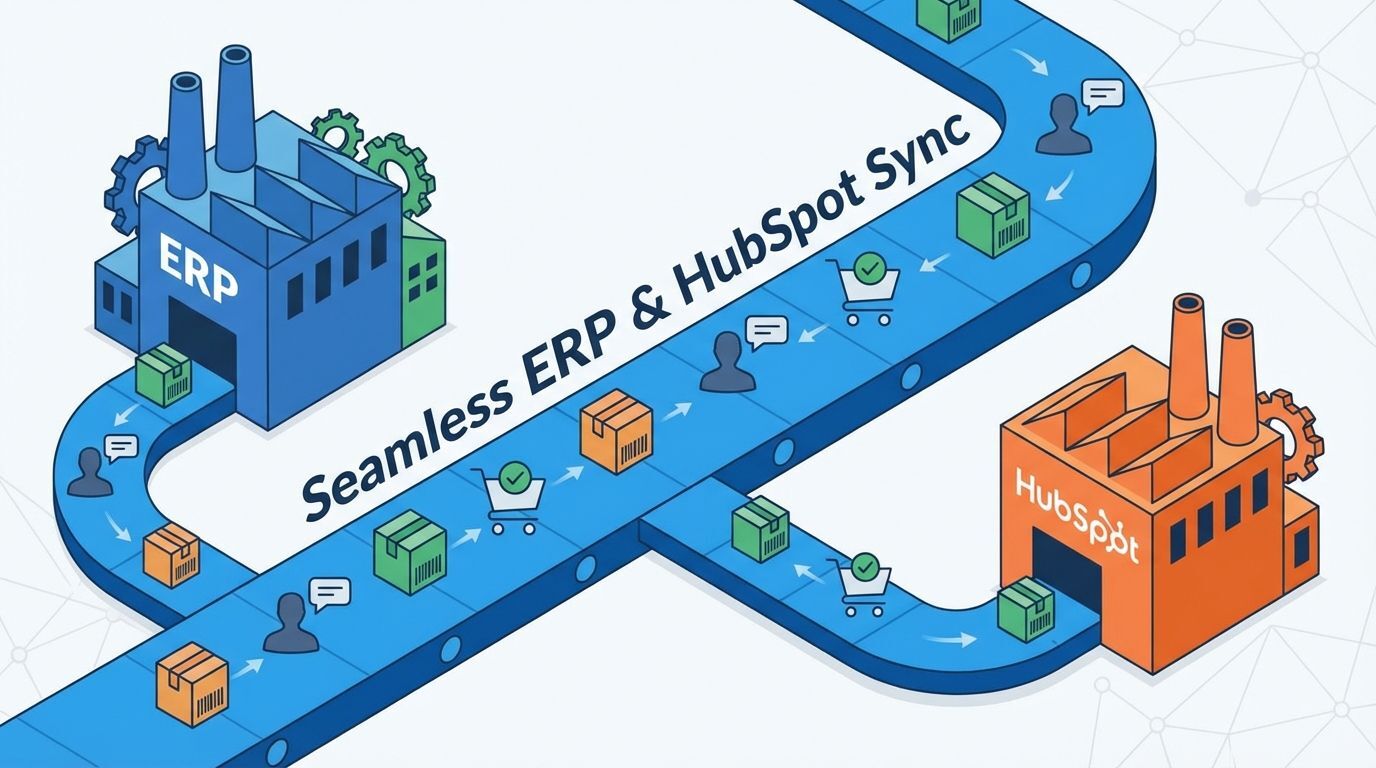
Integrating your Enterprise Resource Planning (ERP) system with HubSpot Sales Hub is essential for manufacturing firms. The best approach involves defining a clear data strategy, using middleware for bidirectional syncs, and focusing on key data points like inventory, customer records, and order status to align sales with operations.
This strategy ensures data consistency, empowers sales teams with real-time information, and streamlines the entire quote-to-cash cycle.
What You'll Learn
- The Strategic Imperative: Why connecting your ERP and HubSpot is no longer optional for modern manufacturers.
- The 5 Core Best Practices: A step-by-step guide to a successful integration strategy, from data mapping to automation.
- Key Data to Synchronize: The specific data points—like inventory levels and order status—that deliver the most value.
- The Role of Expert Implementation: How a strategic partner ensures your integration drives revenue and efficiency.
Why ERP and HubSpot Integration is Critical for Manufacturers
In the manufacturing sector, business operations don't happen in a silo. The sales team on the front line needs direct visibility into what’s happening in the back office—on the shop floor, in the warehouse, and in accounting. Without a bridge between your sales platform (HubSpot) and your operational hub (ERP), you create friction, costly delays, and a poor customer experience.
When sales reps can't answer basic questions like, "Is this part in stock?" or "What's the status of my last order?" without consulting another department, deals slow down and customer trust erodes. A successful integration transforms your HubSpot Sales Hub from a simple CRM into a powerful, data-rich command center for your sales team.
Best Practice #1: Define Your Single Source of Truth
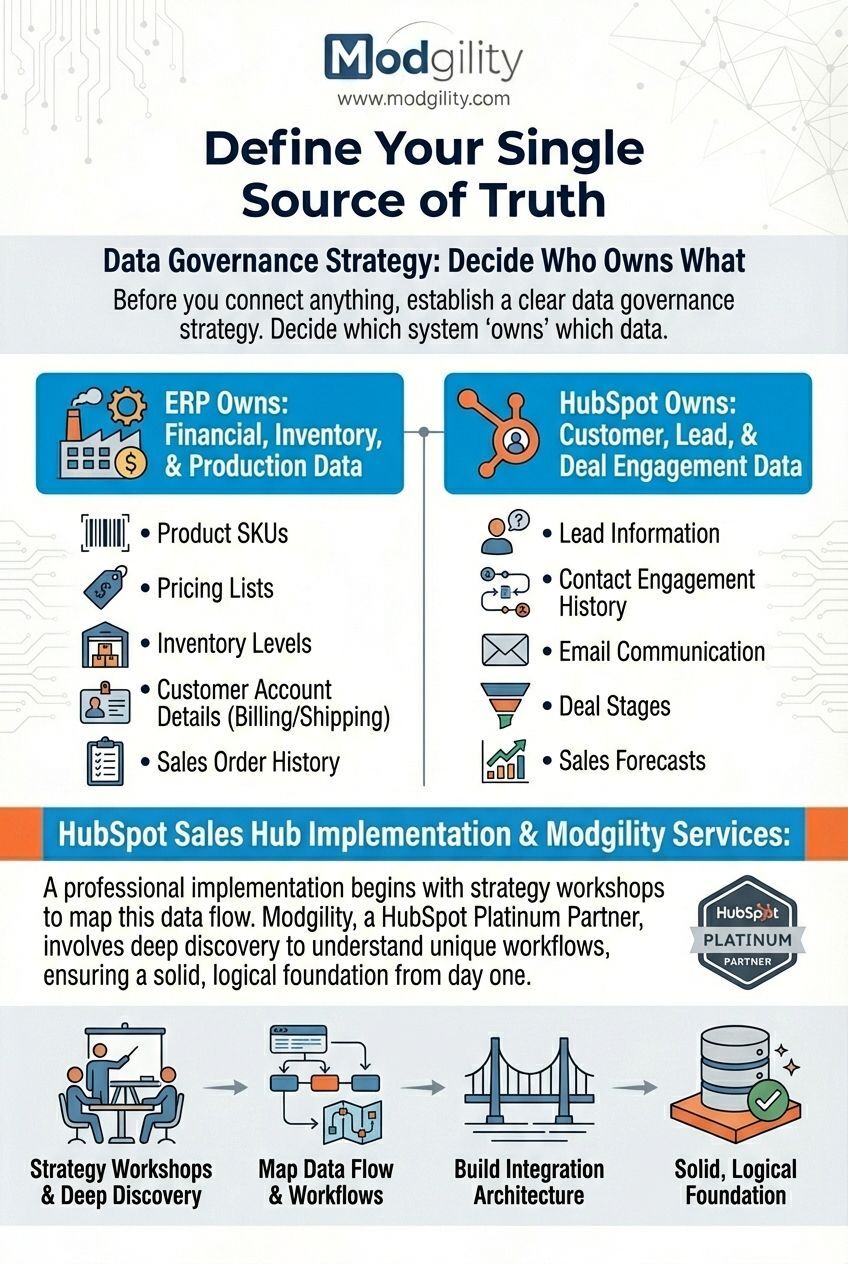
Before you connect anything, you must establish a clear data governance strategy. Decide which system "owns" which data. For most manufacturers, the ERP serves as the single source of truth for financial, inventory, and production data, while HubSpot is the source of truth for customer, lead, and deal engagement data.
- ERP Owns: Product SKUs, pricing lists, inventory levels, customer account details (billing/shipping), and sales order history.
- HubSpot Owns: Lead information, contact engagement history, email communication, deal stages, and sales forecasts.
A professional HubSpot Sales Hub Implementation begins with strategy workshops to map this data flow. Services from a HubSpot Platinum Partner like Modgility involve deep discovery to understand your unique workflows, ensuring that the integration architecture is built on a solid, logical foundation from day one.
Best Practice #2: Prioritize Key Data Synchronization Points
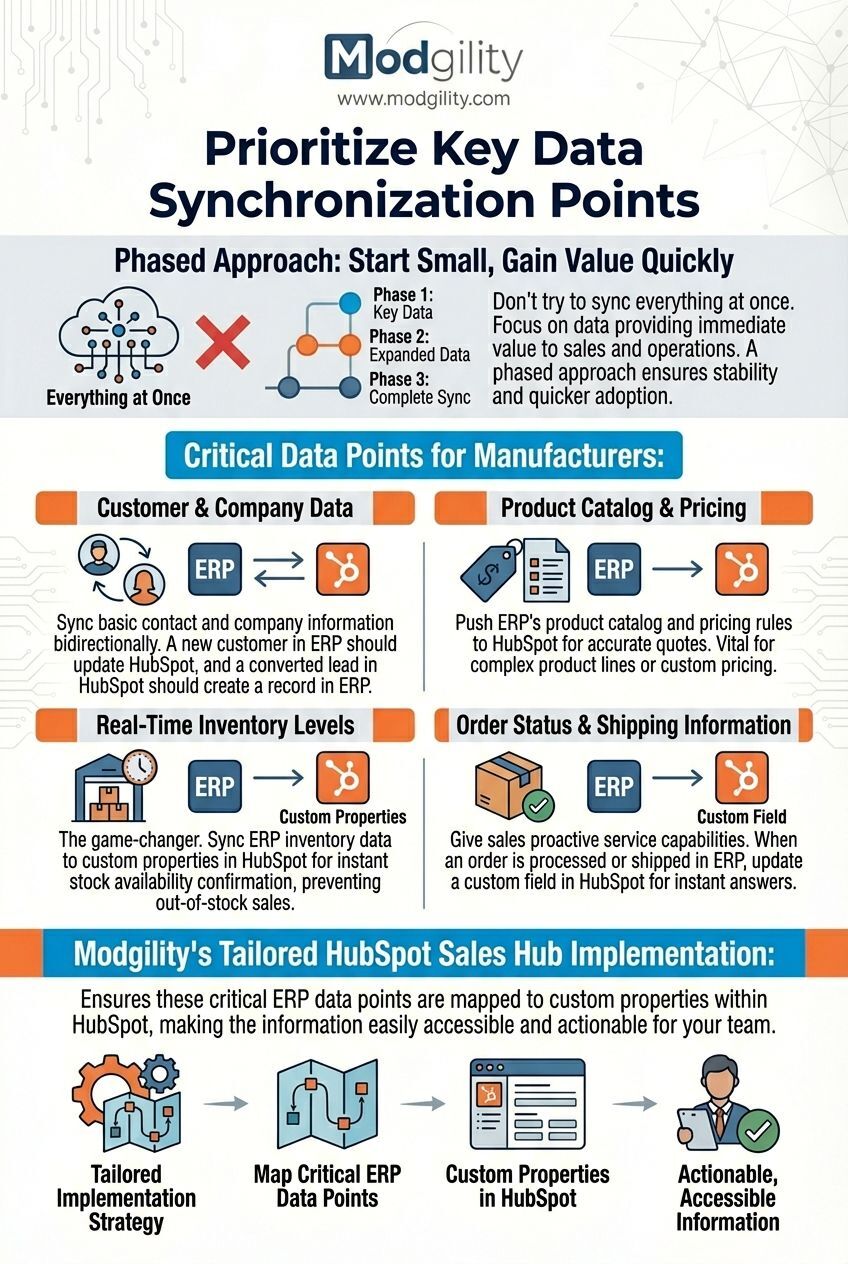
Don’t try to sync everything at once. Focus on the data that provides the most immediate value to your sales and operations teams. A phased approach ensures stability and quicker adoption.
Here are the most critical data points for manufacturers:
- Customer & Company Data: Sync basic contact and company information bidirectionally. A new customer in your ERP should be created or updated in HubSpot, and a new sales-qualified lead converted in HubSpot should have a corresponding record created in the ERP.
- Product Catalog & Pricing: Pushing your ERP’s product catalog and pricing rules to HubSpot ensures sales reps generate accurate quotes every time. This is vital for manufacturers with complex product lines or custom pricing tiers.
- Real-Time Inventory Levels: This is the game-changer. By syncing inventory data from your ERP to custom properties in HubSpot, your sales team can confirm stock availability instantly, preventing them from selling products that are out of stock or have long lead times.
- Order Status & Shipping Information: Give your sales team the ability to provide proactive customer service. When an order is processed or shipped in the ERP, update a custom field on the deal or company record in HubSpot. This empowers reps to answer customer questions without having to track down someone in operations.
A tailored HubSpot Sales Hub Implementation ensures these critical ERP data points are mapped to custom properties within HubSpot, making the information easily accessible and actionable for your team.
Best Practice #3: Leverage Automation to Bridge Sales and Operations
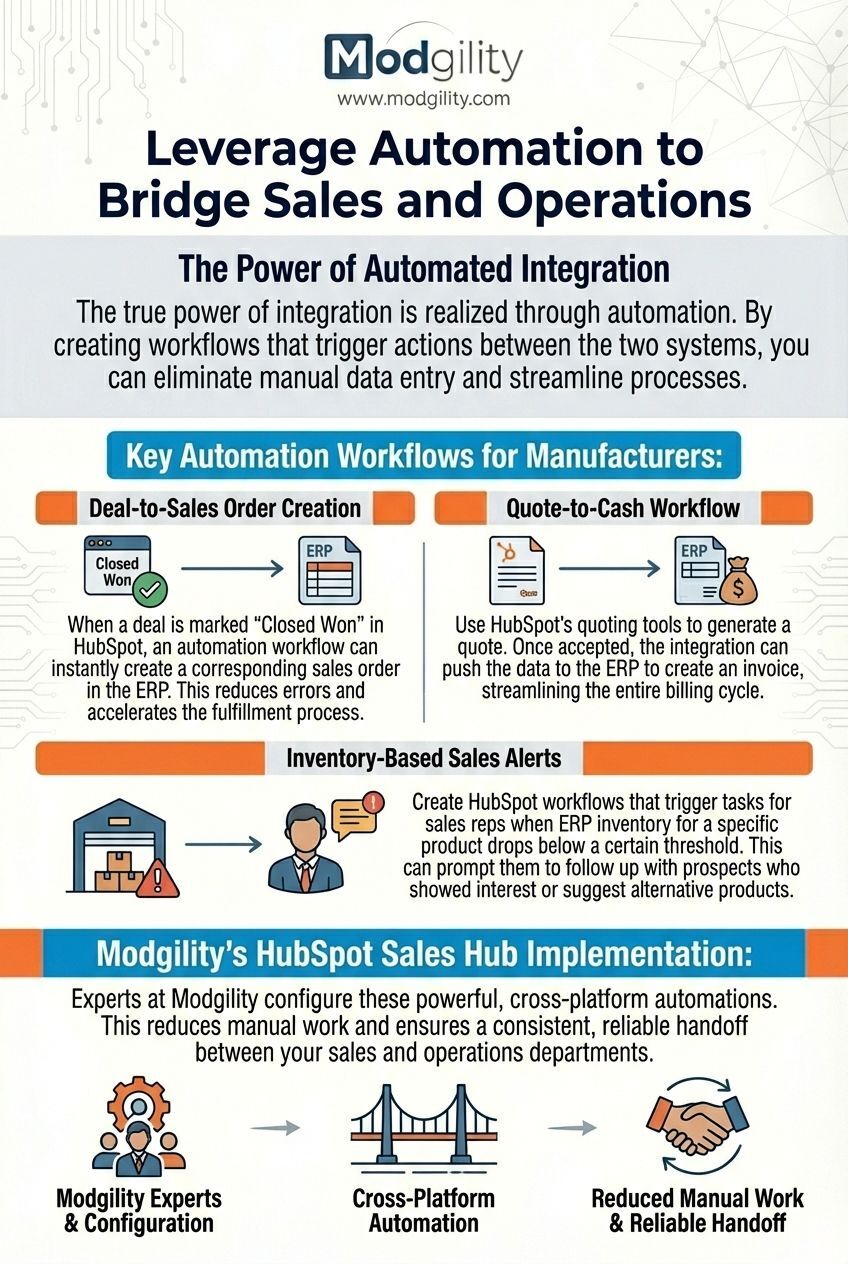
The true power of integration is realized through automation. By creating workflows that trigger actions between the two systems, you can eliminate manual data entry and streamline processes.
- Deal-to-Sales Order Creation: When a deal is marked "Closed Won" in HubSpot, an automation workflow can instantly create a corresponding sales order in the ERP. This reduces errors and accelerates the fulfillment process.
- Quote-to-Cash Workflow: Use HubSpot’s quoting tools to generate a quote. Once accepted, the integration can push the data to the ERP to create an invoice, streamlining the entire billing cycle.
- Inventory-Based Sales Alerts: Create HubSpot workflows that trigger tasks for sales reps when ERP inventory for a specific product drops below a certain threshold. This can prompt them to follow up with prospects who showed interest or suggest alternative products.
As part of a HubSpot Sales Hub Implementation, experts at Modgility configure these powerful, cross-platform automations. This reduces manual work and ensures a consistent, reliable handoff between your sales and operations departments.
Best Practice #4: Choose the Right Integration Method
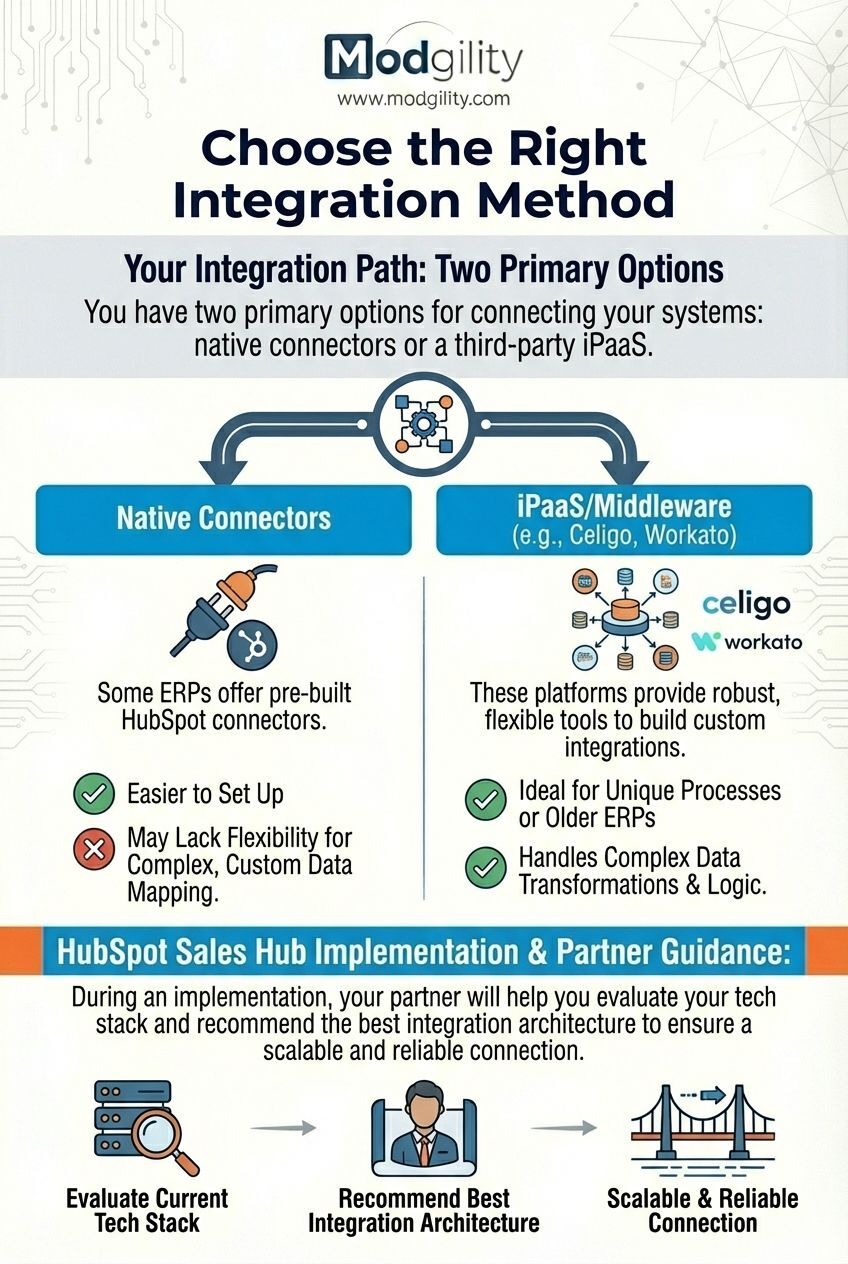
You have two primary options for connecting your systems: native connectors or a third-party integration platform as a service (iPaaS) like Celigo or Workato.
- Native Connectors: Some ERPs offer pre-built HubSpot connectors. These are often easier to set up but may lack the flexibility for complex, custom data mapping.
- iPaaS/Middleware: These platforms provide robust, flexible tools to build custom integrations. They are ideal for manufacturers with unique processes or older ERP systems, as they can handle complex data transformations and logic.
During a HubSpot Sales Hub Implementation, your partner will help you evaluate your current tech stack and recommend the best integration architecture to ensure a scalable and reliable connection.
Best Practice #5: Ensure Robust Data Governance and Security
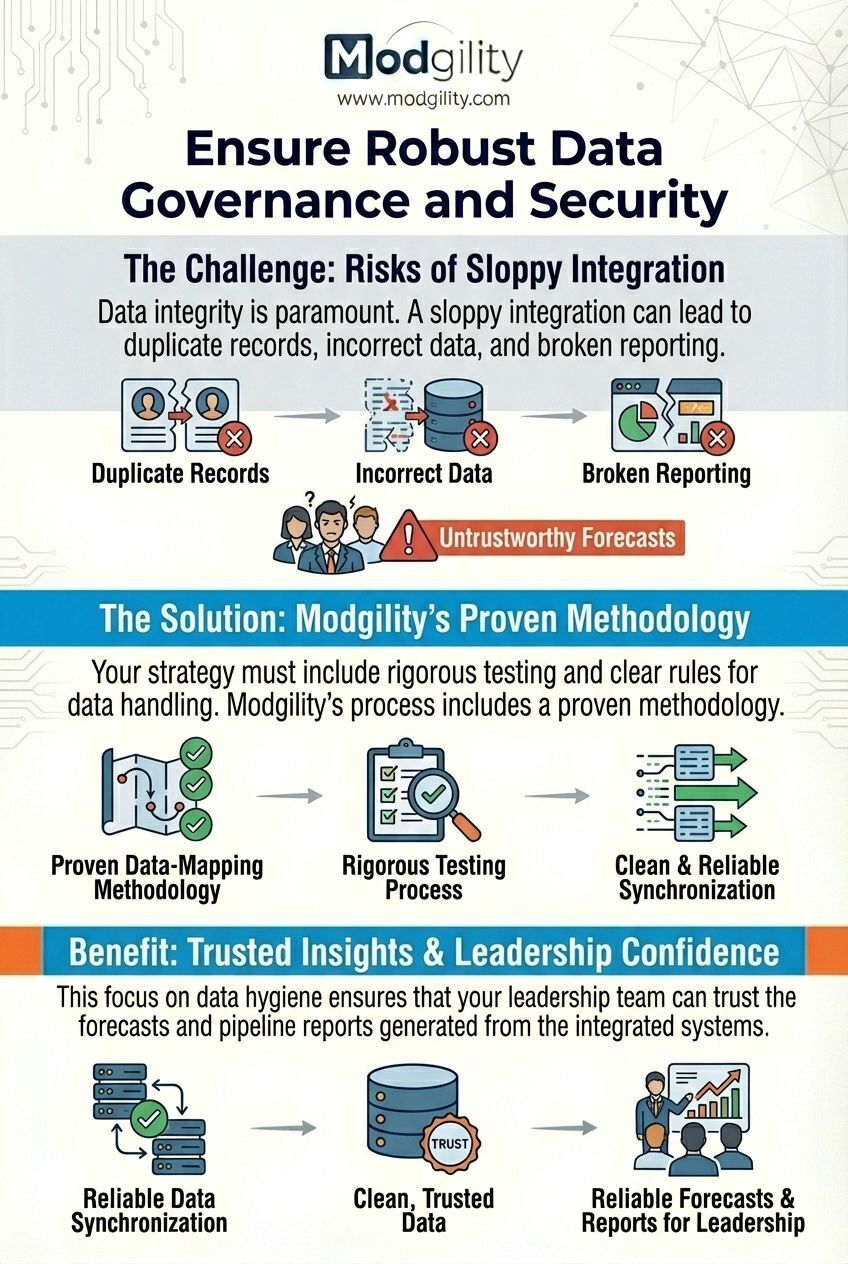
Data integrity is paramount. A sloppy integration can lead to duplicate records, incorrect data, and broken reporting. Your strategy must include rigorous testing and clear rules for data handling.
A proven implementation partner mitigates these risks. For instance, Modgility’s process includes a 'proven data-mapping methodology and rigorous testing process' to guarantee that your records migrate cleanly and that ongoing synchronization is reliable. This focus on data hygiene ensures that your leadership team can trust the forecasts and pipeline reports generated from the integrated systems.
The Final Word: Strategic Implementation is Key
Connecting an ERP system to HubSpot Sales Hub is more than a technical task—it's a strategic business initiative. The goal is to create a single, cohesive revenue operation where sales and operations work in perfect alignment.
While the tools are powerful, their value is only unlocked through strategic setup and customization. A professional HubSpot Sales Hub Implementation from a certified partner ensures your technology is not just installed, but engineered to drive growth, improve efficiency, and deliver a superior customer experience.
Frequently Asked Questions
Why is integrating an ERP with HubSpot important for manufacturers?
Integrating an ERP with HubSpot is crucial for manufacturers because it gives the sales team real-time visibility into back-office data like inventory levels and order status. This allows them to answer customer questions instantly, which prevents costly delays, builds customer trust, and empowers them to close deals faster.
What are the most important types of data to sync between an ERP and HubSpot?
The most critical data points to synchronize are: Customer & Company Data for consistent records, the Product Catalog & Pricing to ensure accurate quotes, Real-Time Inventory Levels to prevent selling out-of-stock items, and Order Status & Shipping Information to enable proactive customer service.
What is a 'single source of truth' in an ERP and HubSpot integration?
A 'single source of truth' is a data governance strategy that defines which system owns specific data. Typically, the ERP serves as the source of truth for financial, inventory, and production data, while HubSpot is the source of truth for customer engagement, lead, and deal data.
How does automation improve the integration between an ERP and HubSpot?
Automation leverages the integration to eliminate manual data entry and streamline processes. For example, a workflow can be created to automatically generate a sales order in the ERP the moment a deal is marked 'Closed Won' in HubSpot, reducing errors and accelerating the entire fulfillment and billing cycle.
No Comments Yet
Let us know what you think